
Exam schedules, marks and report cards in one place.
In Gyanama the school publishes an exam schedule with dates, times and maximum marks, teachers upload marks, and every mark is graded from A1 to E. Report cards download as PDFs for one student, a class or the whole school, in term and session versions, on the school's own template and logo.
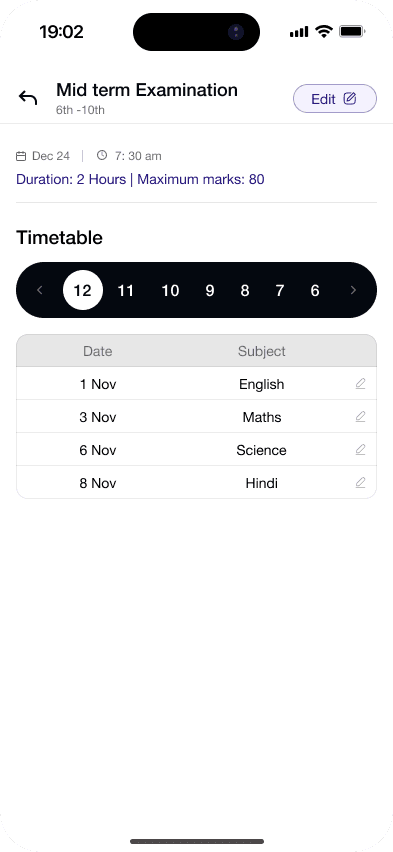
How is an exam scheduled?
The school sets the date, time and maximum marks for each subject. Publishing the schedule sends a notification and makes a printable exam timetable.
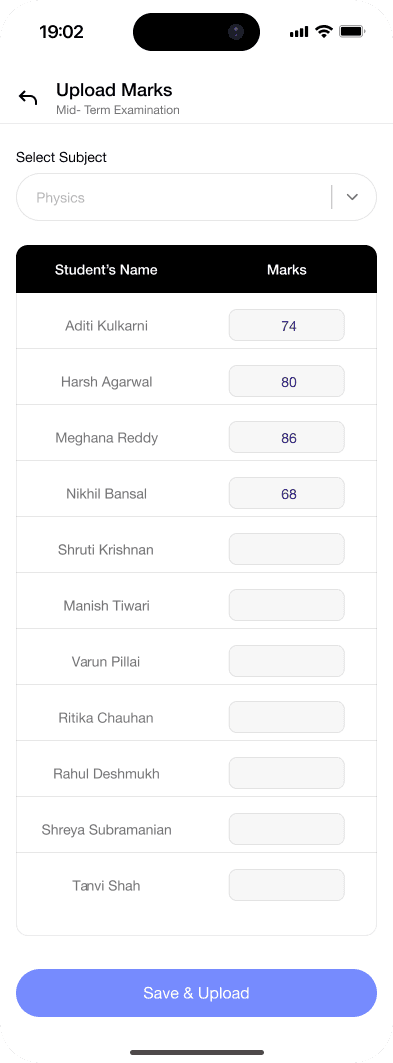
How are marks entered and graded?
Teachers upload marks for their class and subject. Gyanama grades each mark on the A1, A2, B1, B2, C1, C2, D and E scale.
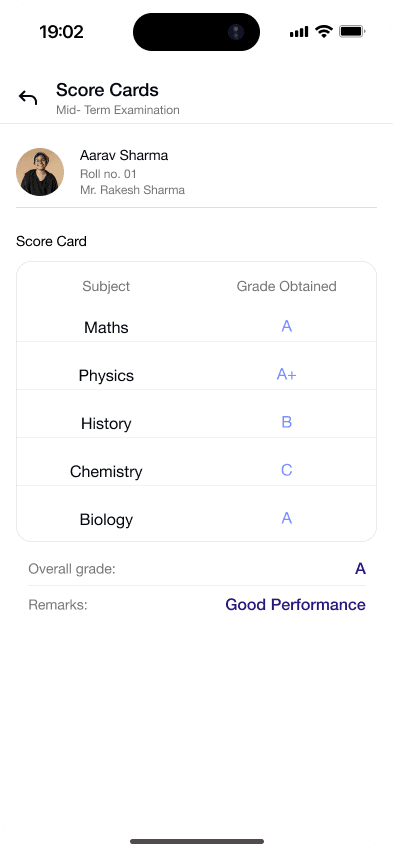
What report cards can we download?
A report card for one student, for a whole class, or for every student in the school as a ZIP file. Term and session-cumulative versions use the school's own template and logo.
Can we issue transfer certificates?
Yes. Gyanama makes a numbered transfer certificate as a PDF, with dates also written in words.
Questions schools ask.
Anything else? Message us on WhatsApp
Which grading scale does Gyanama use?
Marks are graded A1, A2, B1, B2, C1, C2, D and E.
Can students see their results?
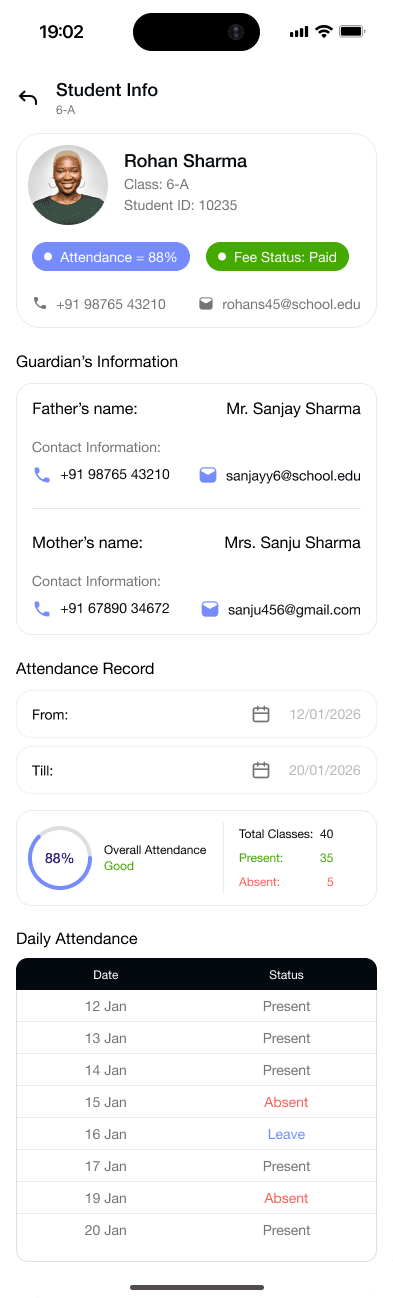
Yes. Students and families see exam dates and results in the app, and can view report cards.
Do report cards carry our school logo?
Yes. Report cards, receipts, registers and transfer certificates carry the school's name and logo.
Where are report cards downloaded?
On the web app. Single, class and whole-school PDFs are made there.
See how Gyanama would follow up in your school.
A 20-minute call with real screens. We share plans and pricing on the call.