
Set homework, see who submitted, answer doubts.
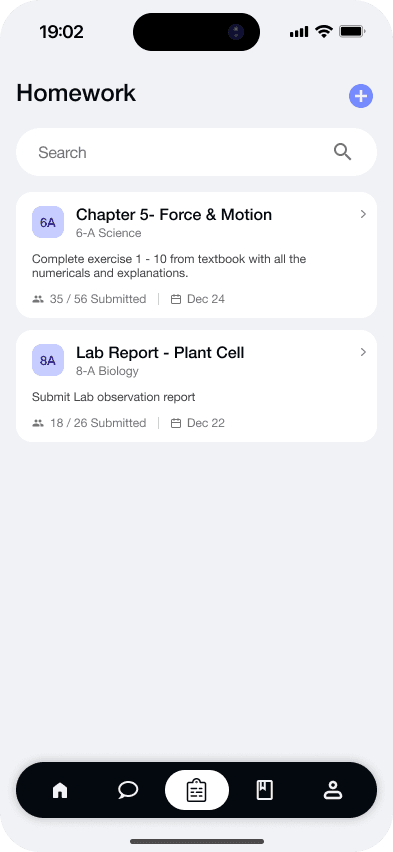
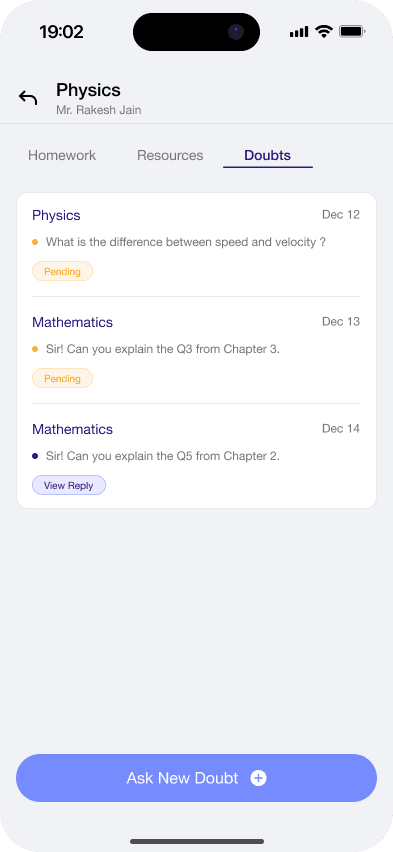
In Gyanama a teacher sets homework with a deadline and attachments. Students submit files and a note from the app, and the teacher sees who submitted, who opened it and how often. Students ask doubts by subject, and teachers reply with text and attachments in the same app.
How does a teacher set homework?
The teacher writes the task, sets a deadline and attaches up to 10 files of up to 50 MB each.
How do students submit?
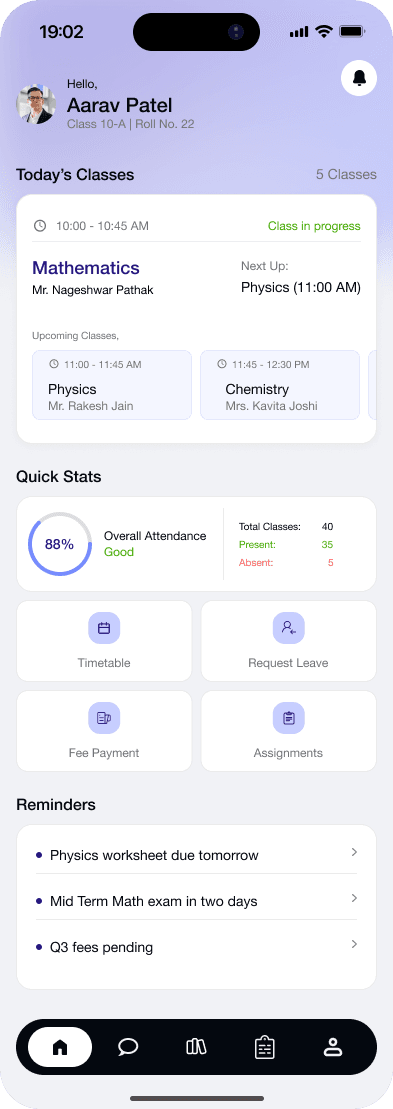
Students open the subject in the app, add their files and a note, and submit. The teacher sees who submitted and who has not.
How are doubts handled?
A student asks a doubt under a subject, with attachments if needed. The teacher replies in the app and the doubt is marked as answered.
Does homework count towards the Student Progress Score?
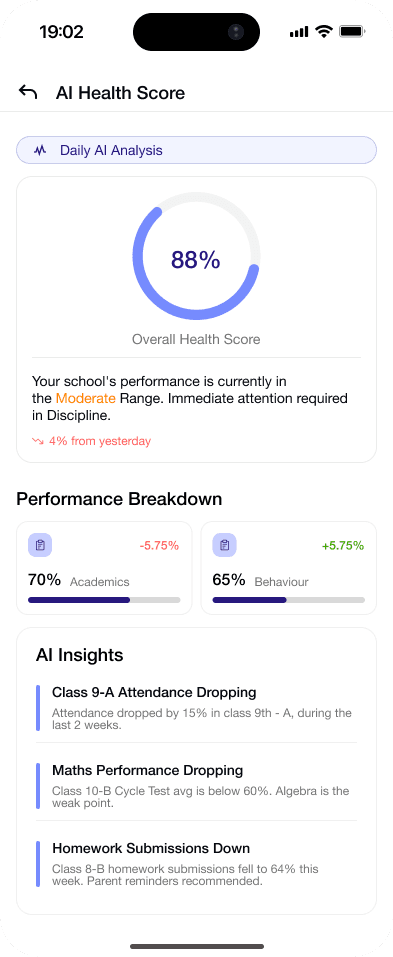
Yes. Homework is 20% of each student's nightly score, next to attendance at 35%, marks at 30% and behaviour at 15%.
Questions schools ask.
Anything else? Message us on WhatsApp
Can teachers grade homework in the app?
Not yet. Teachers see who submitted and who opened the homework. Marks for exams are entered separately.
Do students get reminders?
Yes. Students get reminders for pending homework, forms and upcoming exams.
How big can attachments be?
Up to 10 files per upload, up to 50 MB each.
See how Gyanama would follow up in your school.
A 20-minute call with real screens. We share plans and pricing on the call.